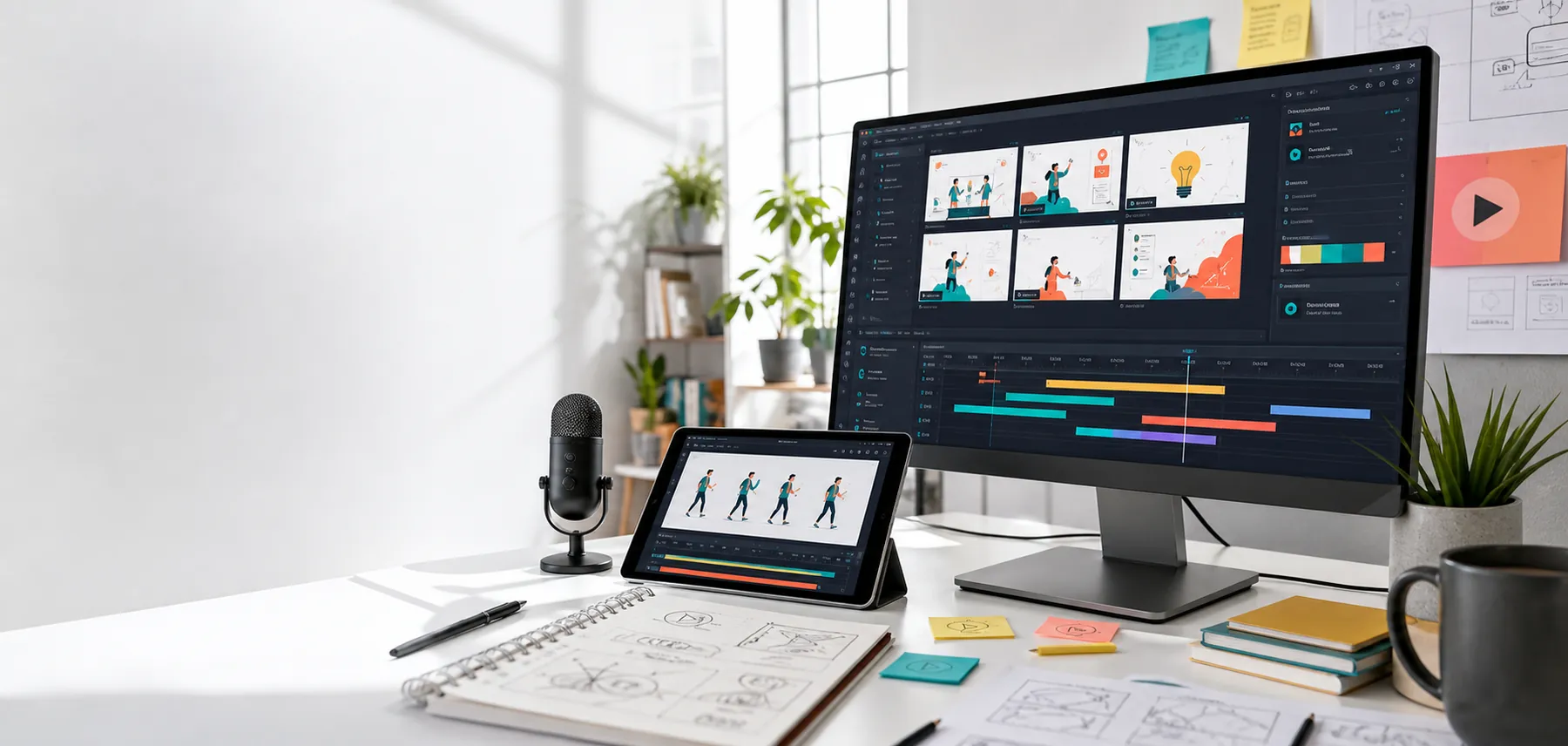
Explainer video storyboard, animation timeline, and production desk

Scripted, designed, animated, delivered

Turn your business into a clear explainer video.

ExplainMyBusiness helps you explain what you do, why it matters, and what prospects should do next in a polished video built for websites, ads, sales calls, and investor decks.

Script We shape the message, proof, and CTA from your rough material.
Visuals Choose the treatment that fits the story: UI, typography, live shot, or cartoon.
Launch Get the main explainer plus the cuts you need for homepage, sales, or social.
60-90s
Core explainer length
7 days
First script target
4K
Final export ready
For SaaS Local services Consultants Funded startups Product launches 212 sample videos

Creative services

We solve messy briefs through story, motion, and launch cuts.

Message architecture

Turn rough notes into a script people can repeat.

Buyer, pain, proof, offer, and CTA shaped into a video-ready story.

Visual direction

Choose the treatment before production starts.

Typography, UI animation, live-shot hybrid, or cartoon explainer direction.

Launch system

Make one story work across every channel.

Flagship video plus cutdowns for homepage, sales follow-up, ads, and onboarding.

What actually happens

Your raw pitch becomes a video system in four visible passes.

No mystery lab. The work moves from words to scenes to motion to launch-ready cuts, so you can see what is changing and approve the right thing at the right moment.

Script Problem. Solution. Proof. CTA.
Storyboard
Animation UI + type + proof
Launch cuts Website Sales Social
  1. 1 Clarify
  2. 2 Frame
  3. 3 Animate
  4. 4 Launch

Why it works

A sharper message before a prettier animation.

The first job is not decoration. It is making your offer easy to repeat, easy to trust, and easy to act on.

Built from your actual offer We pull from your website, deck, notes, product, and sales language instead of inventing a generic pitch.
  • Use real business language, not filler
  • Keep the story anchored in what already exists
Founder-friendly process Fast decisions, tight scripts, and clear revision points without turning the project into a film-school exercise.
  • Quick approvals, not endless back-and-forth
  • Simple checkpoints from script to finish
Useful beyond the homepage The same story can become ad hooks, onboarding clips, sales follow-ups, and investor context.
  • One story can support many cuts
  • Built to keep working after launch

The problem

Most businesses are harder to understand than they need to be.

01

Clarify the offer

We translate your pitch, website, deck, or notes into a tight story people can follow.

  • What do you do?
  • Why should the viewer care now?
02

Show the value

We build visual scenes that make the customer's pain, your solution, and the outcome obvious.

  • Make the workflow visible
  • Let the proof do real work
03

Drive the next action

Every video ends with a clean CTA for demos, calls, signups, purchases, or investor follow-up.

  • Pick one next step
  • Make it easy to say yes

Video formats

Built for the places your buyers already look.

Homepage hero Sales follow-up Product onboarding Launch campaign

Product Demo

Screen-led storytelling for software, apps, dashboards, and technical products.

  • Best when the product needs to be seen in motion
  • Show the workflow before the features list
  • Great for onboarding and sales enablement

Ad Cutdowns

Short hooks and vertical edits for paid social, organic posts, and remarketing.

  • Pull one strong hook from the main script
  • Keep the message narrow and memorable
  • Useful for campaign testing and retargeting

Investor Story

A polished narrative for pitch decks, investor updates, and partner meetings.

  • Works best when proof and momentum need equal weight
  • Explain the market, traction, and direction clearly
  • Useful for decks, meetings, and follow-up clips
Need help choosing? Start with the business moment, then we recommend the right format and the first script angle.

Top use cases

Pick the business moment first, then shape the video around it.

The same production process can solve different bottlenecks: homepage confusion, sales follow-up, product education, launch momentum, or investor context.

Each use case should answer one thing clearly.

What is the buyer seeing, what do they need to understand, and what action should happen next?

01

Homepage conversion

Give visitors a fast path from confusion to "I get it" before they leave the page.

  • Best for a crowded homepage
  • Lead with the problem and payoff
  • End with a simple next step
02

Sales follow-up

Send prospects a short recap that explains the offer better than another long email.

  • Best after a first call or demo
  • Reinforce proof and scope
  • Keep the ask easy to respond to
03

Product onboarding

Show the workflow, value, and first win without making users read a help center.

  • Best when activation is the goal
  • Show the first successful action
  • Reduce setup friction
04

Launch campaign

Turn one story into the homepage video, paid ad hooks, social cuts, and announcement assets.

  • Best when you need momentum
  • Reuse one message across channels
  • Keep the launch angle consistent

Story angles

A stronger explainer starts with the right narrative shape.

Problem to payoff Messy status quo Launch momentum

For technical offers

Problem, workflow, payoff

Best when the viewer needs to understand how the product works before they trust it.

  • Show the system in motion
  • Use the product to prove the claim
  • End with the result the buyer wants

For service businesses

Messy status quo, guided fix

Best when the customer knows the problem but needs to believe your process is simpler.

  • Make the pain feel familiar
  • Show the process as the relief
  • Keep the CTA concrete and low-friction

For launches

Old way, new way, first action

Best when you need a crisp campaign message that can travel across multiple channels.

  • Open with the shift
  • Show what changes after launch
  • Build cutdowns from the same core line

Packages

Choose the build level that matches the moment.

Most projects start with the middle package. That gives you the script, the visuals, and the delivery without skipping the message work.

Starter

Script + Storyboard

For teams that need the message shaped before production.

From $1.5k
  • Discovery intake
  • 60-90 second script
  • Scene-by-scene storyboard
  • Best when you already have a separate production team

Most useful

Full Explainer Video

Strategy, script, design, animation, voiceover direction, and final delivery.

From $4.5k
  • Messaging workshop
  • Custom visual direction
  • Animated 16:9 video
  • Revision rounds included
  • Best for a flagship homepage or sales asset

Growth

Launch Video System

One flagship explainer plus platform-specific cuts.

From $7.5k
  • Main explainer
  • Short ad variants
  • Vertical social edits
  • Thumbnail stills
  • Best when one story needs to do more jobs

Proof to build around

The video should make the business easier to judge.

Strong explainers do not rely on hype. They make the buyer's decision cleaner by surfacing the right proof in the right order.

What the viewer should feel “I understand the offer.” “I can see why it is different.” “I know what to do next.”
Before Visitors hear a pitch, browse around, and still cannot repeat what the business does.
After The viewer understands the problem, sees the workflow, and knows the next action.
Measure Track landing-page engagement, booked calls, sales follow-up replies, and demo readiness.

Sample videos

Start with references, not a blank page.

Browse a few sample directions here, then open the full searchable library when you want to compare more styles and business moments.

212 sample videos, organized by the job they do.

Pick the moment first, then choose the style. That keeps the video focused on the buyer's aha moment instead of decorative motion for its own sake.

Best scripts Homepage stories that get to the point fast.

Great when the site needs to explain the offer in the first few seconds.

Best treatment UI, typography, live shot, or cartoon based on the message.

Choose the visual language after the story is clear, not before.

Best result The buyer knows the problem, trusts the proof, and knows what to do next.

That is the line between a nice video and a useful sales asset.

Clear offer Show workflow Build trust Create urgency Short social cut
Pick one sample for the story and one for the finish.

That gives the team a direction for messaging and a direction for visual energy before production starts.

Use the samples like a chooser, not a gallery.
1

Choose the business job

Pick homepage clarity, product demo, investor proof, or launch momentum first.

2

Choose the story shape

Match the sample to the arc: problem to payoff, proof first, or short conversion cut.

3

Choose the visual finish

Use the detail chips to decide whether UI, typography, live shot, or motion should lead.

Result targets

Pick the business result before choosing the animation style.

The right explainer brief starts with the job the video needs to do after it is published.

More qualified calls Use the video to make the problem, fit, and call-to-action obvious before someone books.
  • Best for offers with a long explanation
  • Keep the booking path obvious
Shorter sales explanations Give reps and founders one clear asset that replaces repeated custom walkthroughs.
  • Best when the same pitch keeps repeating
  • Helps every rep tell the same story
Faster launch comprehension Help customers, partners, and investors understand the new offer in the same language.
  • Best when a new message needs to land quickly
  • Works across launch pages and announcements
Better ad and social hooks Turn the flagship story into short openings that can be tested across channels.
  • Best when one story needs many cuts
  • Feed ads, shorts, and retargeting

Process

A production path that keeps the message from drifting.

  1. Brief Offer, audience, proof, competitors, and CTA.
  2. Script Problem, solution, outcome, and next step.
  3. Design Frames, style, pacing, and visual system.
  4. Animate Motion, sound, exports, and launch-ready cuts.

Scope clarity

Clear boundaries keep fast projects moving.

Included

  • Message shaping and script direction
  • Storyboard and visual production plan
  • Custom design frames and animation
  • Launch-ready exports and basic cutdowns
  • Best for teams that want one owner through delivery

Best supplied by you

  • Logo, brand colors, and product screenshots
  • Current pitch, website, deck, or sales notes
  • Audience, CTA, timeline, and approval owner
  • Any claims, data, or testimonials to include
  • Best for making the first round sharper

Can be added

  • Voiceover sourcing and direction
  • Ad cutdowns and vertical social versions
  • Landing-page copy based on the video story
  • More product scenes or localization support
  • Best when the core story needs extra reach

Launch path

A practical production timeline for fast pushes.

Faster projects stay tight by locking the message first, then using clear approval points for script, storyboard, design, and animation.

Days 1-2 Brief review, audience, offer, proof, and CTA alignment.
Days 3-7 Script direction, visual outline, and asset checklist.
Week 2 Storyboard, design frames, voice direction, and production plan.
Weeks 3-4 Animation, revisions, final exports, and launch cutdowns.

Production inputs

The fastest way to start is to send the raw material.

A perfect brief is not required. A rough pitch plus existing assets is enough to shape the first video direction.

Message What you sell, who buys it, why now, and what action the video should drive.
Proof Results, customer quotes, screenshots, demo flows, investor notes, or before-after examples.
Assets Logo, brand guide, product images, deck, existing footage, screen recordings, and web copy.
Constraints Deadline, budget range, review owner, must-use claims, and channels where the video will run.

Channel plan

Plan the cuts before production starts.

A video is more useful when the homepage version, sales version, social clips, and follow-up assets are planned together.

Website

16:9 explainer, silent-friendly captions, thumbnail still, and CTA-aligned page copy.

  • Homepage hero or product page
  • Clear first impression

Sales

Follow-up cut, demo recap, objection-focused section, and a linkable version for prospects.

  • After a call or live demo
  • Useful for outbound and follow-up

Social

Vertical hooks, square crops, short captions, and stills for announcements or retargeting.

  • Launch bursts and ad testing
  • Keep one message across formats

Investor or partner

Deck-friendly export, problem-solution framing, traction proof, and a clean context clip.

  • Board, investor, or partner updates
  • Move from story to proof fast

First call output

Leave with the video angle, even before production starts.

The first conversation narrows your audience, offer, proof, and CTA into a practical direction for the video.

  • Primary viewer and buying moment
  • Problem-solution-outcome story path
  • Recommended video format and length
  • Asset checklist for production
Start the brief

What you get

A useful video package, not just one file.

Core explainer One polished 16:9 video for your homepage, pitch deck, or sales page.
  • Main story asset
  • Built to anchor the rest of the page
Launch stills Frames that can be used for thumbnails, page art, and announcement posts.
  • Better previews and thumbnails
  • Useful on landing pages and social posts
Copy support Sharper headline, CTA, and section copy based on the video story.
  • Helps the page match the video
  • Makes the offer easier to scan
Repurposed cuts Optional short edits for ads, social, onboarding, or follow-up sequences.
  • More mileage from one story
  • Fits channels that need shorter attention windows

Start here

Send the basics. We will take it from there.

Only name, email, and phone are required. The optional fields help us recommend the first direction faster, but a rough note is enough to start.

1 We read the messy version

Website, deck, screenshots, notes, or whatever exists today.

2 We find the first angle

Audience, problem, proof, CTA, and best-fit video format.

3 You get a practical next step

Scope, missing assets, and the right package to move forward.

Prefer email? zev@zdhconsulting.com Send your website, phone, and the thing that needs explaining.
Required: name, email, phone. Everything else is optional context.

By submitting, you agree that ExplainMyBusiness can use these details to reply about your project. See the privacy policy and brief checklist.

Fast path

Skip the long intake. Send the signal.

A useful first note only needs the basics: where the pitch lives, what has to become clearer, when you need the video, and what the viewer should do after watching.

Website or deck Audience and goal Timeline and budget
Request a fit check

What the first reply should do

Turn the messy pitch into a clear first direction.

The goal is not to make you fill out paperwork. It is to identify the strongest angle, the right package, the missing assets, and the next decision that moves production forward.

First direction includes Story angle Recommended scope Asset checklist
Start now

Decision FAQ

The questions buyers ask before they say yes.

If the project is a fit, the answers should make the next step feel lighter: send the rough material, pick the business job, and let the first script direction expose what needs to happen.

Not ready? A rough pitch, deck, website, or sales notes are enough to start.
  • Send the messy version
  • We help find the first angle
Need proof? Use the sample library and format pages to choose references before briefing.
  • Compare styles before you commit
  • Pick the business job, then the look
Need scope? Packages split message work, full production, and launch cutdowns clearly.
  • Know what’s included up front
  • Choose the level that fits the moment
What do I need to send first?

Send your website, deck, current pitch, product screenshots, sales notes, or any rough description of what needs to be explained. Perfect polish is not required.

Can you help if the message is not clear yet?

Yes. The script-first process is built for messy offers. The first useful output is usually the sharper angle, audience, proof, and CTA before animation starts.

What kind of video should we make?

That depends on the business job: homepage conversion, product demo, sales follow-up, launch campaign, onboarding, or investor context. The brief can start before that choice is final.

How long should the main explainer be?

Most flagship explainers should land around 60-90 seconds. More complex products can use a short flagship video plus supporting demo or sales clips.

Can one video support multiple channels?

Yes. The strongest projects plan the homepage version, sales follow-up cut, ad hooks, social crops, captions, and thumbnail stills before production starts.

How fast can a project start?

Most projects can start with a short brief, website or deck review, and one message-shaping pass. A first script direction is usually the best early milestone.

Can existing brand assets be used?

Yes. Logos, colors, product screens, deck slides, screenshots, and existing footage can all guide the video style and script.

Can I email instead of using the form?

Yes. Email zev@zdhconsulting.com with your website, target audience, goal, timeline, budget range, and any existing deck or product screenshots.

Who owns the finished video?

The intended model is a launch-ready video package for your business. Project-specific licensing, source files, voiceover, stock assets, or special usage terms should be confirmed before production starts.

What happens after I send the basics?

The reply can recommend a package, identify missing inputs, and outline the first video direction so the next conversation is about scope instead of guessing.

Choose your path

Pick the next step that matches where you are right now.

If the pitch is messy, start with the brief. If you need examples, use the samples. If you need to choose the business job, use the use cases. If you need a package, compare the build levels.

Start brief